

Workshop Framework
Optimizing for Scale
Luxury video, simple process, teachable system

Definition
What Optimizing for Scale Means
- A clear, simple process you can teach fast
- Train shooters quickly, execute consistently
- Maintain luxury quality as the team grows
Visual reference
Foundation
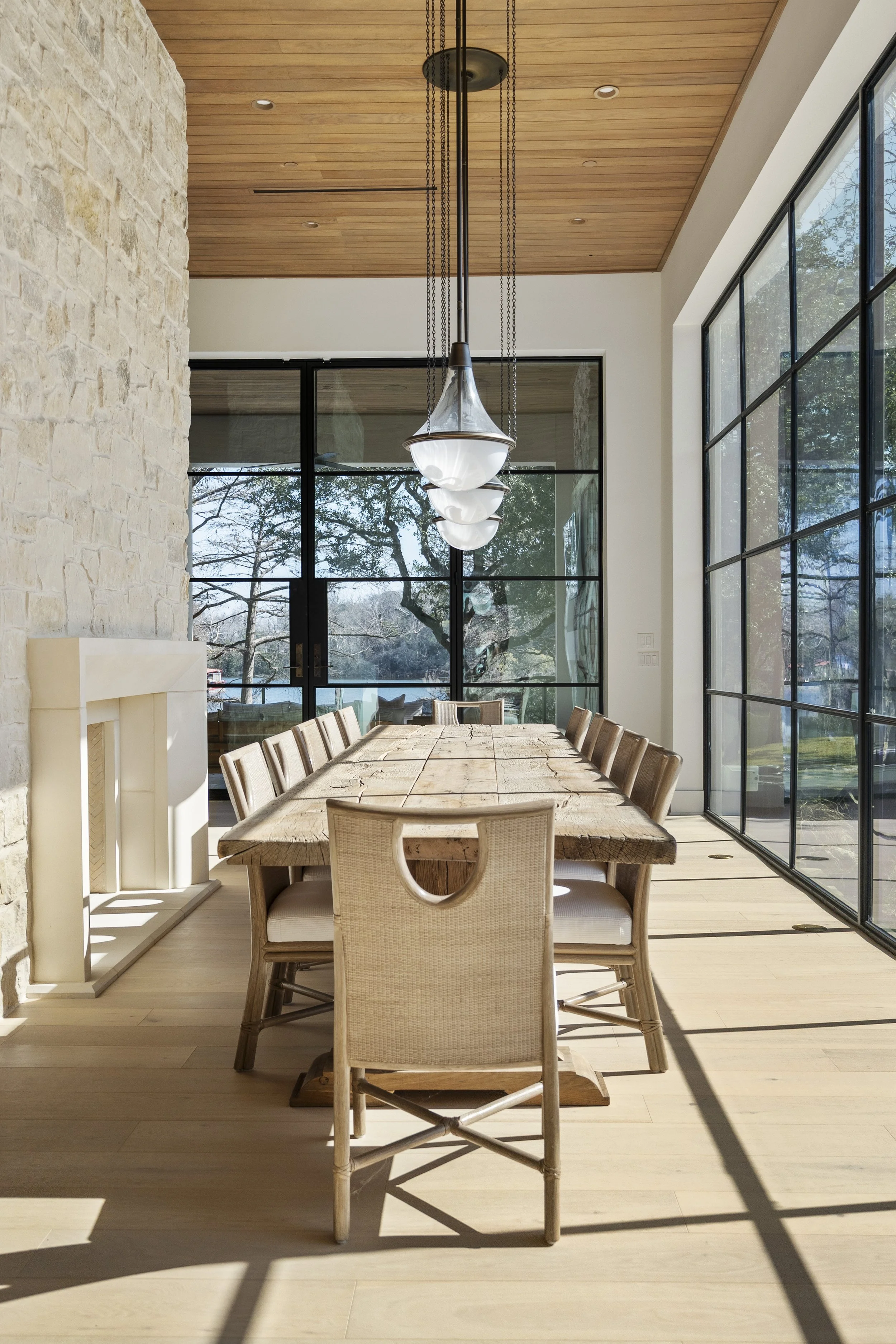
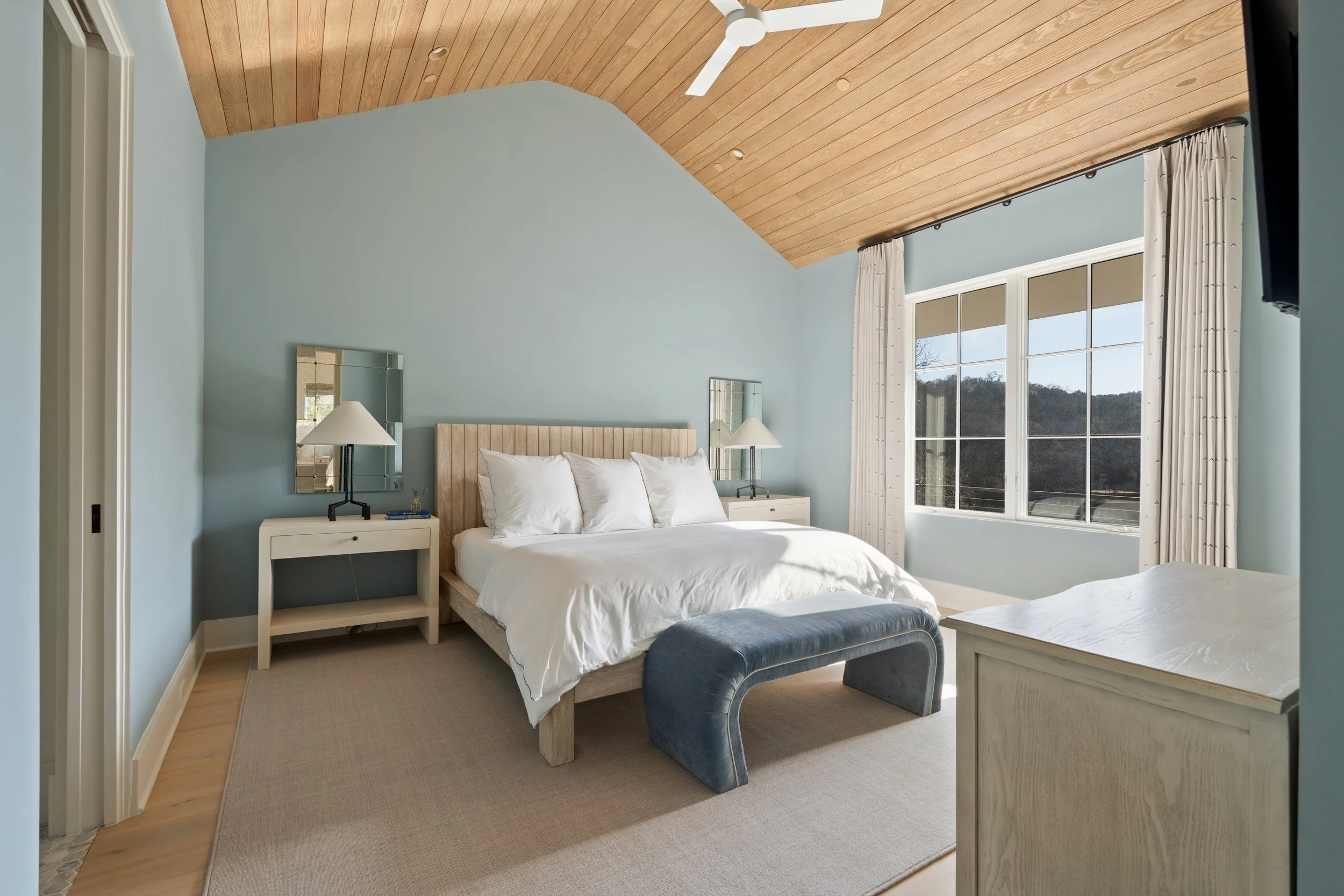
Composition is Everything
- You already know good composition vs bad
- Straight verticals, clean horizontals, balanced frames
- Composition is the foundation for great video
Composition example
Workflow
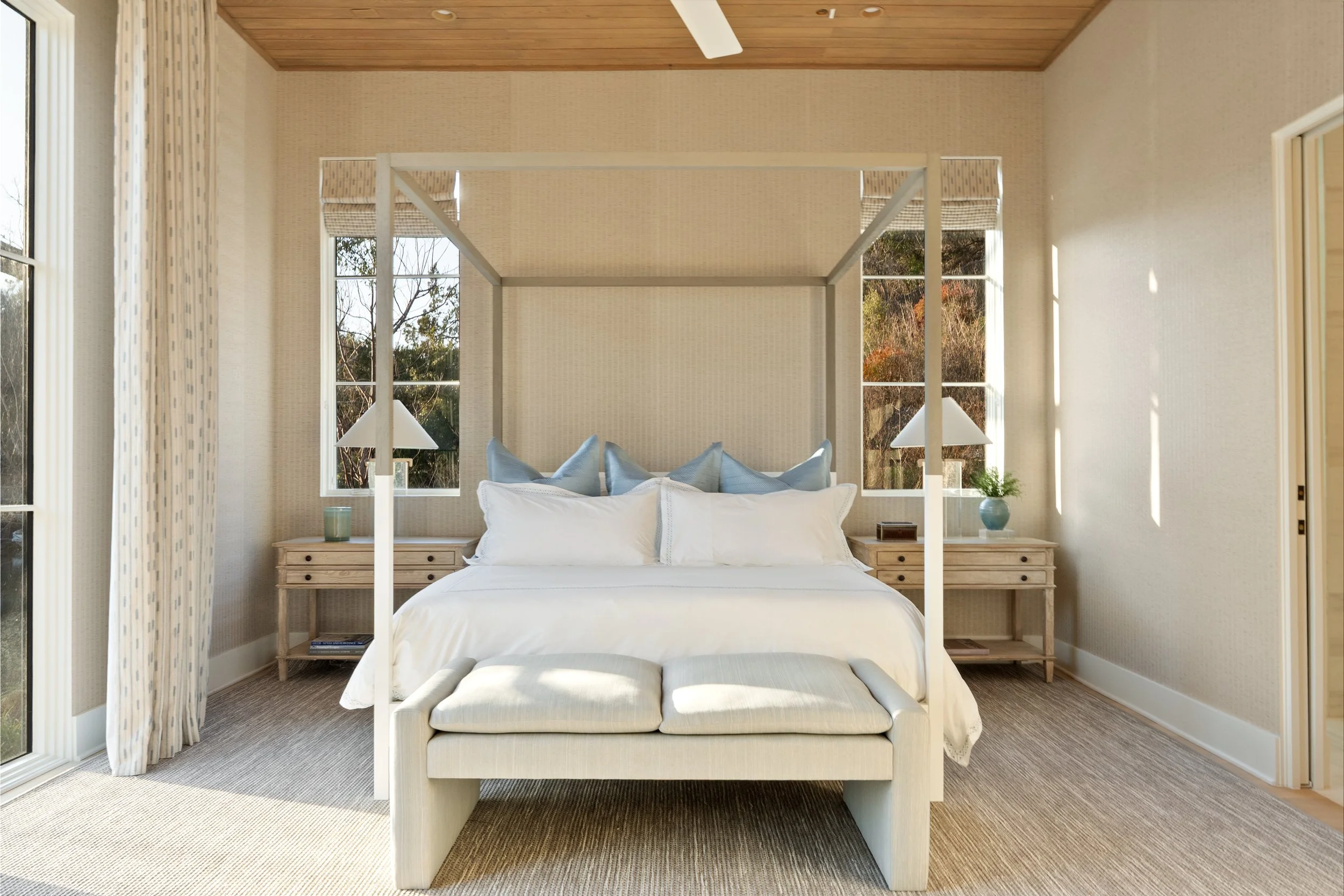
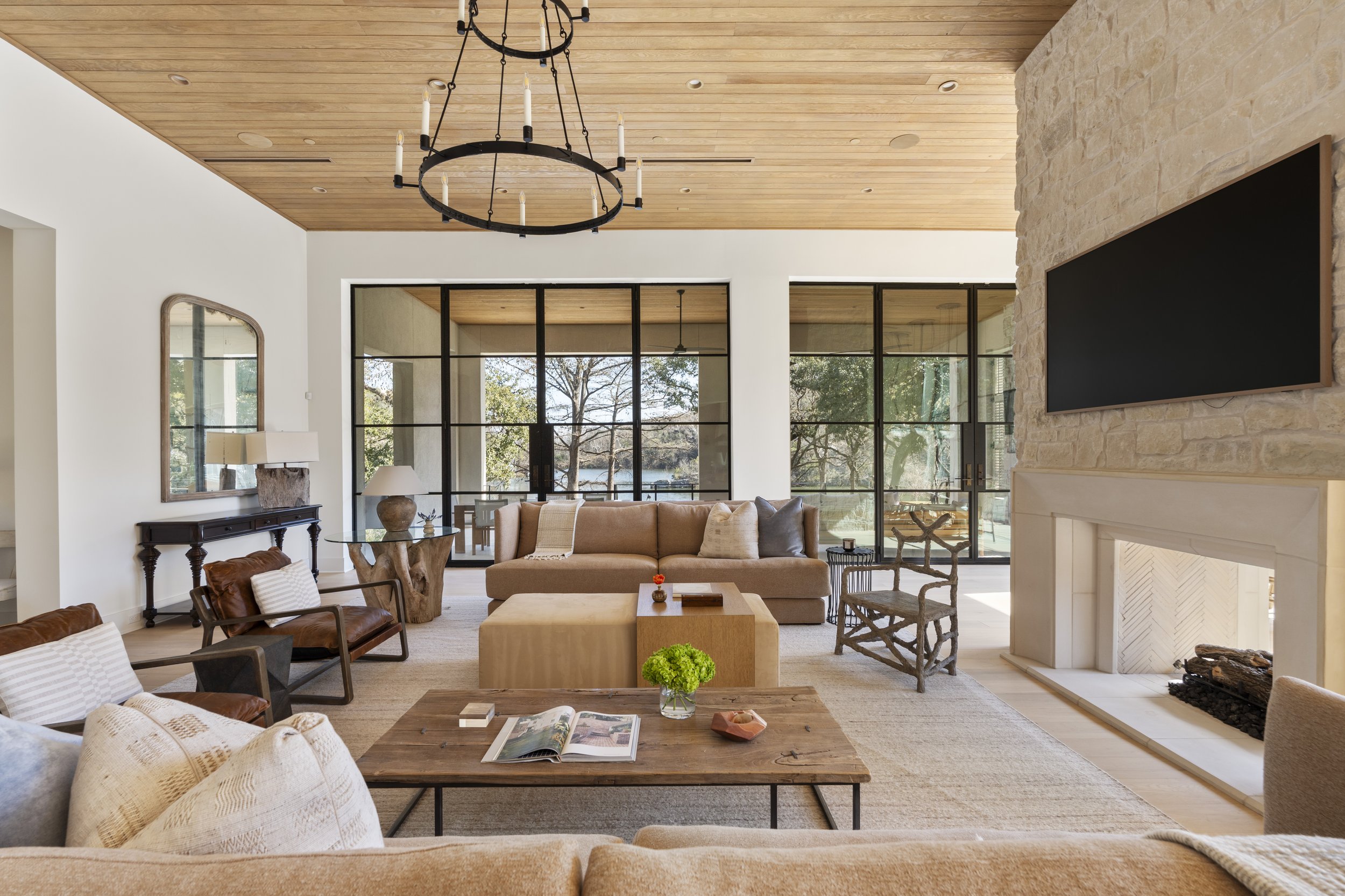
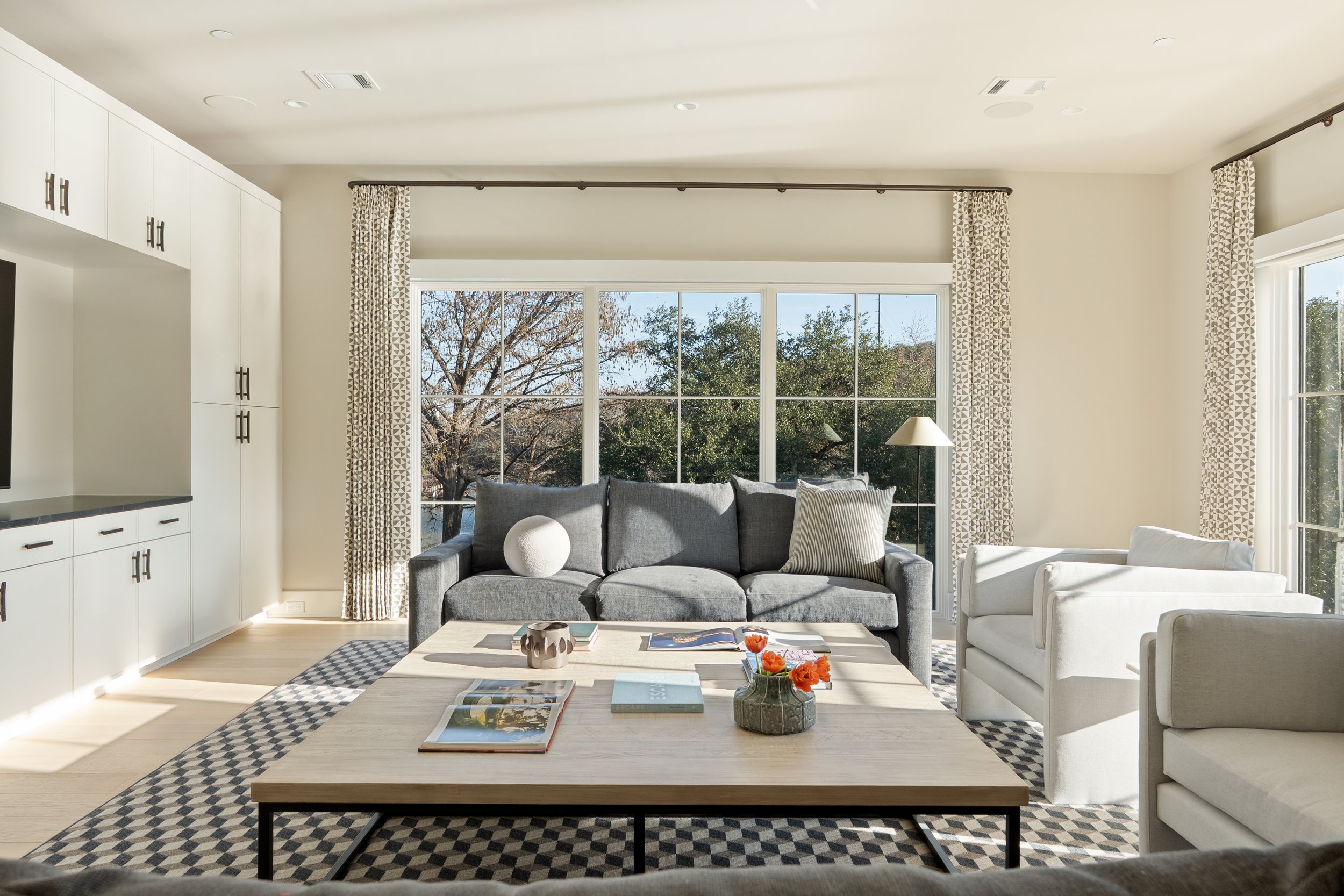
Photo to Video Translation
- Shoot photos first, build the blueprint
- Return to the same positions for video
- Add motion, not guesswork
Photo vs video comparisons
Shot system
The 5 Shot Types
Gimbal moves
- Straight wide
- Curve push
- Parallax
- Detail shot
- Creative shots
Drone is separate
Video prompt
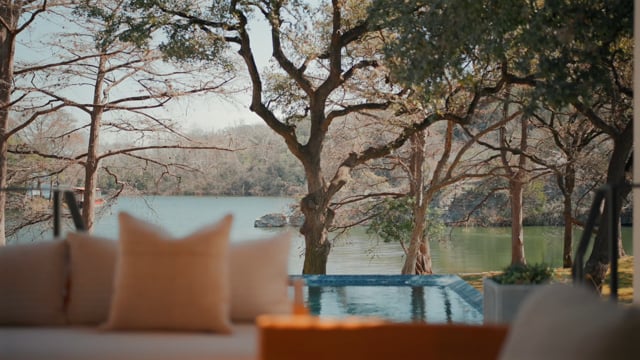
Click to watch
Can you identify every shot used
Shot counts
How Many Shots Do You Really Need?
- Count every shot in the final edit
- How many wides, details, drone shots
- Hard limits create consistency
This penthouse shoot included amenity coverage and day to night transitions. Every reason to let the count spiral. Final edit: under 55 shots total.
Shot count breakdown
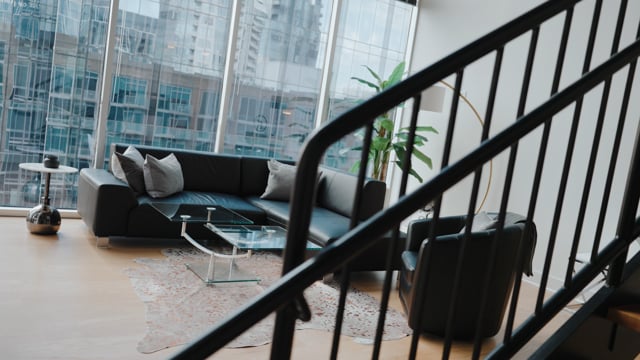
Click to watch
We will count every shot together
Handoff
Post Production Handoff
- Pick the song while you are shooting photos
- Run the song by the agent to confirm the vibe
- Give editors minimal direction, then creative freedom
Here are the instructions we gave our editor:
Frame.io editor instructionsInside you will find the song, the edit instructions, and a Dropbox link with all the raw clips.
Handoff vibe
Final takeaways
Final Pro Tips
- Go into the shoot with an inspiration video in mind
- Send that inspiration video to your editor for pacing and style
- When you shoot with the example in mind, your shots naturally match
- Simplify the process so you can scale and train quickly
Premium comes from clarity, not quantity
Final visual
00:00